


HOME
ABOUT
Company Profile
Our advantages
Qualifications and certifications
Factory equipment
PRODUCTS
Game Controller
Playstation Controller
Microsoft Controller
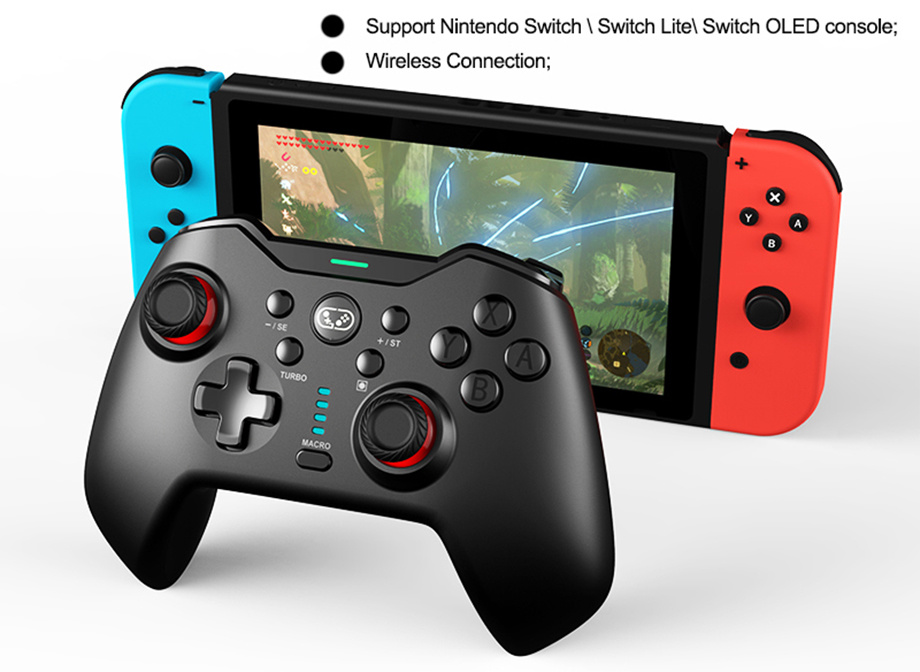
Nintendo-Switch Controller
Mobile Controller
PC-Game Controller
Game Accessories
Charge Station
Accessories
SUPPORT
Technical Support
Video demonstration
BLOG
Company news
Industry news
Show information
CONTACT
Contact Us
Online Feedback
language
Industry News
What's the difference between playstation 5 and playstation 5 pro
Trying to decide between the PS5 and the PS5 Pro? Whether you're buying your first PlayStation or thinking about upgrading your current console, it helps to know what sets these two models apart. The right choice comes down to how—and where—you like to play. Asurion Experts help people get more out of their tech every day, from choosing the best device to setting it up and keeping it running smoothly. Here’s how the PS5 stacks up against the PS5 Pro, and what to consider before making your move.
09 2025/07
How to turn off playstation 5
Turning off the PS5 will close all games and apps. You should turn your PS5 off whenever you need to unplug the AC power cord to avoid data corruption or damaging the console. On that note, turning off the PS5 is a good safeguard against unexpected power outages. Not to mention actually turning off any device will help it actually take a break from your heavy gaming sessions, and it will save some energy.
04 2025/07
Can you play playstation 4 games on playstation 5
The PS5 will be able to play nearly every PS4 game that’s available through backwards compatibility. Sony also promises that some games will actually be able to take advantage of the extra power on the new console to provide a “Game Boost” for faster or smoother frame rates. That said, Sony also warns that some functionality from PS4 titles may not be available, and there may be “errors or unexpected behavior” when playing backwards compatible titles on the PS5.
How to fix stick drift playstation 5 controller
A misbehaving PS5 controller is a major annoyance that makes basic in-game movement and aiming a chore. Here are some tips you can use to resolve the issue and get back in the game.
How to factory reset xbox one
Resetting your Xbox to factory settings is a powerful solution for resolving technical issues, preparing the console for a new user, or simply starting fresh. This process restores your Xbox to its original state by deleting all accounts, saved games, apps, and personalized settings. Whether you own an Xbox One, Xbox One S, Xbox One X, or the newer Xbox Series X and Series S, performing a factory reset can help fix persistent glitches or wipe your data before selling or gifting your console. However, it’s important to understand that a factory reset will erase everything stored locally on your device, so backing up your data to the cloud or an external drive beforehand is essential.
03 2025/07
How to fix lag when playing online multiplayer games
When you're talking strategy for online multiplayer game domination, you may not factor in one of the most important things: reducing game latency. Because when your game lags or freezes, either because your internet speed is lacking or because a family member is streaming movies on their iPad, your gaming mission will ultimately fail. Whether you’re playing Fortnite® or Call of Duty® on your PS4™, Xbox One®, or PC, Asurion Experts are here to help you enjoy all your tech has to offer and keep your devices working at their best. From resolving bandwidth problems in your home to gaming console repairs, we can help. Here's what you need to know about improving your overall internet connection for online gaming in order to get rid of lag, fix ping, and reduce latency.