

HOME
ABOUT
Company Profile
Our advantages
Qualifications and certifications
Factory equipment
PRODUCTS
Game Controller
Playstation Controller
Microsoft Controller
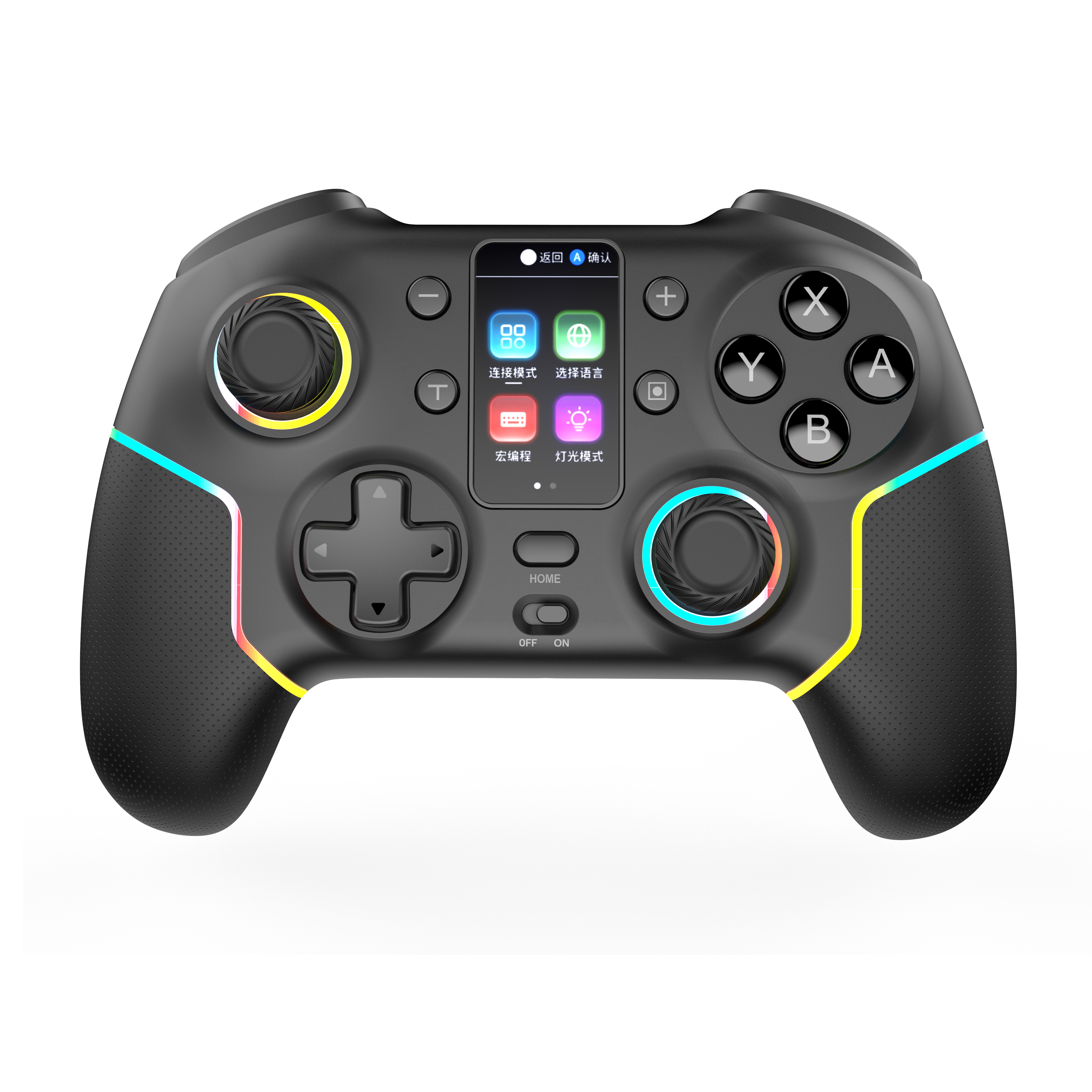
Nintendo-Switch Controller
Mobile Controller
PC-Game Controller
Game Accessories
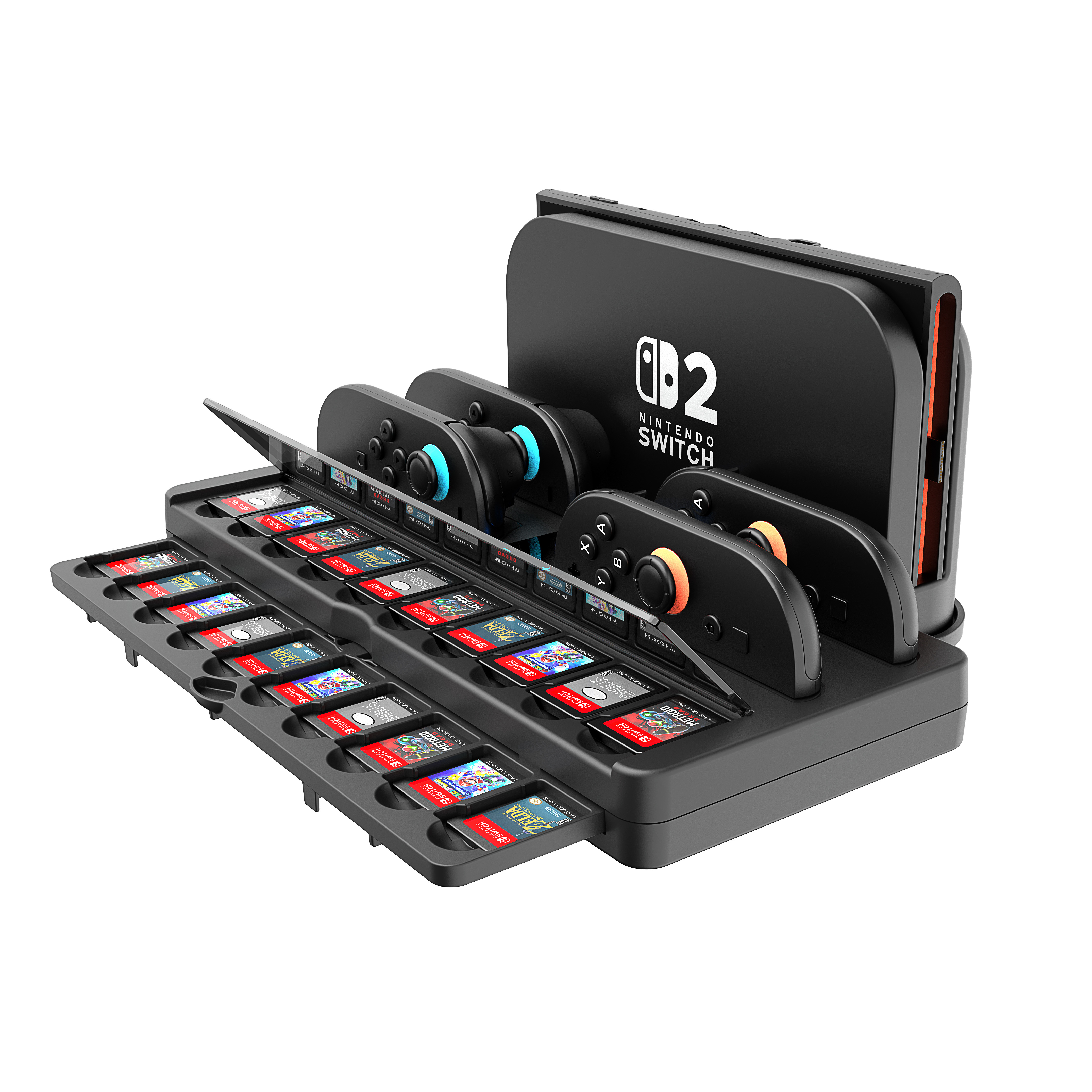
Charge Station
Accessories
SUPPORT
Technical Support
Video demonstration
BLOG
Company news
Industry news
Show information
CONTACT
Contact Us
Online Feedback
language
Industry News
The Best handheld game console that Will Make You Ditch the Big Screen in 2025
Handheld gaming consoles have been around for almost half a century, offering players the opportunity to enjoy solid gameplay in a time and place of their choosing. But the past few years have been monumental for this vibrant product category, thanks to massive leaps forward in hardware specs and design. Powered by cutting-edge processors and graphics, the latest handhelds can deliver the latest blockbuster games in high resolution, effectively replacing a standard gaming console or computer in the process. What to Consider
15 2025/05
How to connect a Nintendo Switch to your TV
Hook up your HDMI and power supply to the dock. Close up your dock, then place it on top of your TV or monitor so that you can see what's going on with both systems at once (we recommend using a wall mount). Wake up your Switch by pressing down on its top surface until it vibrates twice; if it doesn't wake up immediately, try holding down one side button until it buzzes again--this will force it into sleep mode, which is required before you can connect over HDMI. Choose "TV" as the display output option on both devices: On Nintendo Switch: Go to System Settings > Controllers & Sensors > Change Controller Type > Change TV Type On Your Television: If there aren't any other video inputs available besides HDMI 1/2/3/4 and Digital Audio Out (Optical), choose whichever one corresponds with those ports
13 2025/05
Why dose PS4 not connecting to my TV?
If your PS4 isn't connecting to your TV, the issue is likely with the HDMI connection or a hardware malfunction. Start by checking the HDMI cable and port for any damage, then try a different cable or HDMI port. If that doesn't work, consider trying Safe Mode, updating the PS4's system software, or resetting the TV's settings.
How to set up your PS4 console for beginer?
Insert one end of the HDMI cable into the HDMI OUT port on the back of your PS4 console. Insert the other end of the HDMI cable into the HDMI port on your screen. Insert the power cable into the AC IN port on the back of your PS4 console.
Why Dose PS5 needs a VPN?
You probably don't need me to tell you that your PS5 is more than just a gaming console. It is, in fact, an entertainment powerhouse – you can use it to play the latest and greatest games, stream content, and even go about your day-to-day browsing. However, its unmatched versatility is also what opens it (and you) to online risks, which is why the best VPNs today offer compatible and easy-to-use versions for PS5 – you can even use a router VPN or a PC VPN to protect your PlayStation. I'll take a deep dive into the most important reasons you should cover your PS5 with a VPN. Spoiler alert: VPNs offer increased privacy and security, as well as unrestricted access to online content. It's a win/win!
10 2025/05
What mobile games support controller in 2025
There was a time when nobody took mobile gaming seriously, but things have changed now. Many big developers have stepped into the mobile gaming market to bring titles like Call of Duty or Diablo to the platform. Apart from offering a good multiplayer or open-world experience, most of the latest mobile games offer insanely good graphics.
07 2025/05